External Camera Monitor: How to Choose and How It Actually Helps You on Set
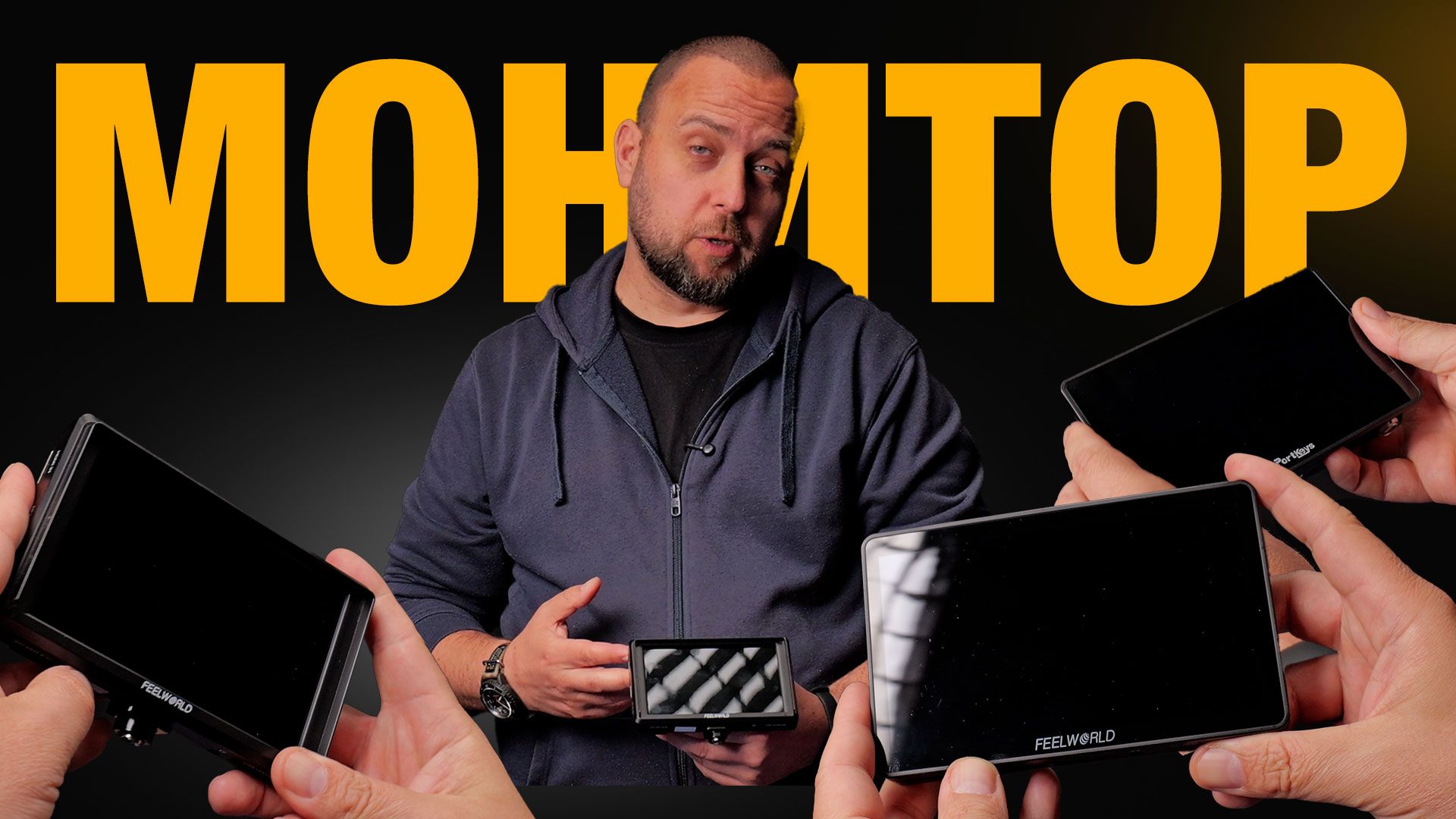
The question of choosing an external monitor inevitably arises for anyone serious about video production. In his new video, Tsvetan reviews three specific monitors from his personal arsenal - two entry-level options and one significantly higher, professional-grade model.
Before diving into the models, however, it is essential to understand the three key reasons why an external monitor is a must-have tool on set:
Saving Camera Battery: When you mount an external monitor, the camera's built-in display is usually flipped closed. This prevents the camera from wasting power on its own screen, allowing it to shoot for a significantly longer time.
Precise Focus Control: A larger screen provides a much better opportunity to track exactly where your focus lands in the frame. The Focus Peaking feature helps immensely, though it can occasionally be deceptive and requires a watchful eye.
Perfect Exposure via False Colors: This color system displays light and exposure levels in real-time. It guarantees properly exposed skin tones and ensures no loss of detail (clipping) in the darkest or brightest parts of your frame, making post-production much easier.
Budget Solutions: All-Plastic, But Packed with Essential Features
If your goal is to build a secondary, independent camera setup (rig, handles, matte box) without investing huge sums of money, the entry-level class offers everything you need.
1. Feelworld FW568 (5.5 inches)
- What it is: An older and highly affordable model. Tsvetan bought it second-hand from the BG Film Makers community for €65.
- Controls and Build: The chassis is entirely plastic and easily picks up fingerprints. This model is not a touchscreen - it is controlled entirely via 7 buttons on top, three of which are programmable (Function buttons) for quick access to features like False Colors and Focus Assistant.
- Ports: It features an audio jack, DC Out (allowing you to power the camera from the monitor's battery), HDMI In, HDMI Out, and a 12V DC In for running on mains power.
2. Feelworld F6 (6 inches)
- What it is: A slightly larger model that features a touchscreen, offering a more modern control layout via the screen itself or a clickable scroll wheel on top.
- Advantages: It has native mounting points on three sides (bottom, top, side), making it easy to mount "upside down" so you can see yourself while filming vlogs. It also features an SD Card slot to load LUTs for on-screen preview.
- The Bundle (€150): For this price, the new kit comes very well-equipped - a handy carrying bag, a smaller NP-F battery with a charger, a mains power adapter, two HDMI cables (full-sized and micro), a sunhood for bright daylight shooting, and a Cold Shoe mounting bracket with an extra slot for a microphone.
Note on both Feelworld monitors: They have a brightness of around 500 nits, which means shooting outdoors on a very sunny day without a sunhood will be challenging.
The Professional Class: Built for Cinema Cameras and Sunlight
3. Portkeys (5.5 inches)
When moving up to higher-end gear, the differences are instantly noticeable in both build quality and functionalities.
- Extreme Brightness (2000 nits): This monitor is exceptionally bright (up to 2000 nits), making it perfectly suited for working under direct sunlight without needing a sunhood.
- Metal Chassis: The back of the device is fully metal, making it much more durable and rugged, though the front remains plastic (using a screen protector is highly recommended).
- SDI Ports: The major technological distinction is the inclusion of SDI In and Out (supporting signals up to Full HD), alongside 4K HDMI ports. This makes it compatible with professional cinema cameras.
- Special Features: It supports Picture-in-Picture functionality for monitoring two cameras simultaneously, an option for wireless camera control over specific camera brands directly from the screen, and an False Colors ARRI scale for maximum exposure accuracy.
- Power: It ships in a hard case for safe transport and includes a D-Tap cable, allowing you to power it directly from large V-Mount (V-lock) batteries.
The Alternative: Can a Phone Act as an External Monitor?
Thanks to apps and transmitters (such as Accoon/Accsoon systems), your phone can turn into a wireless external monitor. While this is an option, Tsvetan shares that he avoids it due to two serious drawbacks on set:
If someone calls you during a take, the connection and workflow get interrupted.
Filming drains the phone's battery very quickly, and in dynamic situations, you often need your phone for other organizational tasks.
Conclusion
All the reviewed monitors feature Full HD resolution and perform their core tasks excellently. The choice between them depends entirely on your budget and needs. If you mostly shoot controlled videos indoors and are building an affordable setup, the budget Feelworld options are a great start. However, if you work outside in bright sunlight, use SDI systems, or require direct camera control, investing in a professional, high-brightness monitor like the Portkeys is completely justified.